
Intermediate Level
Learner explores hands-on courses in creative application of technology principles behind real-world problems.
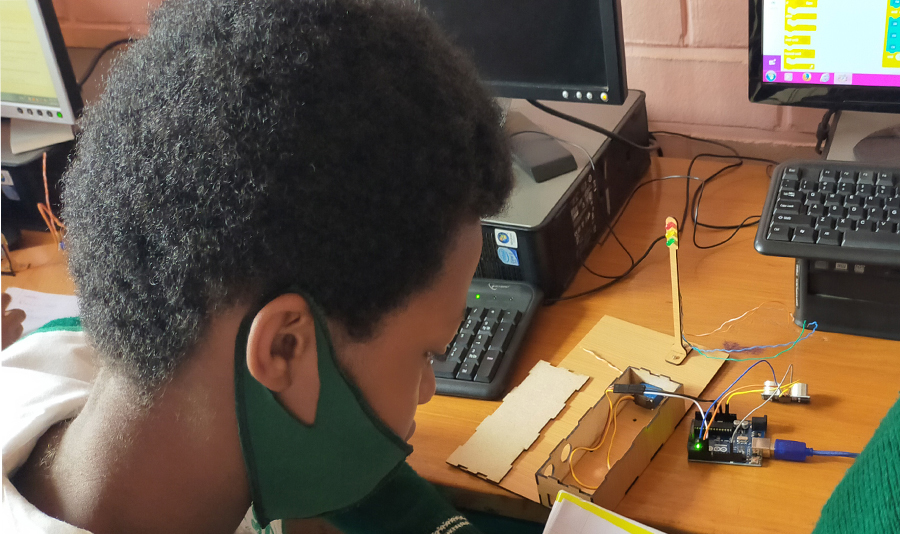
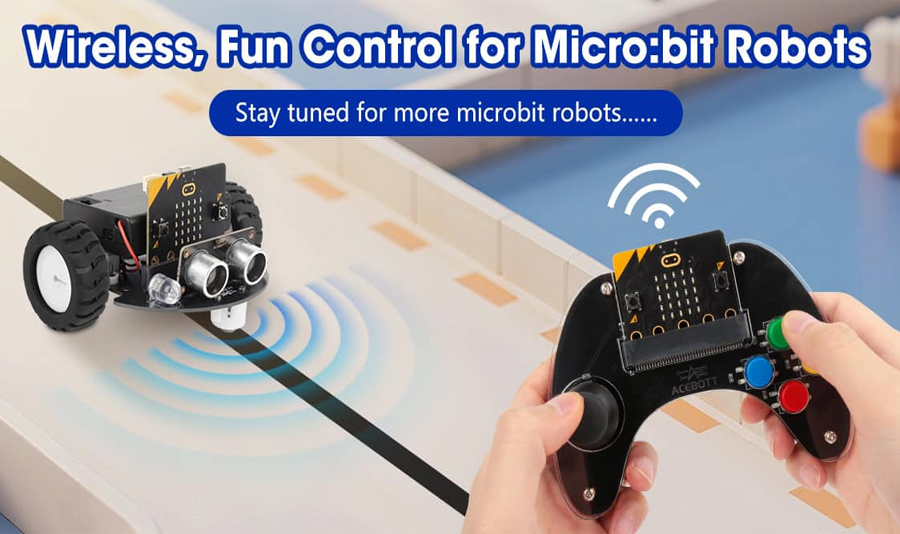
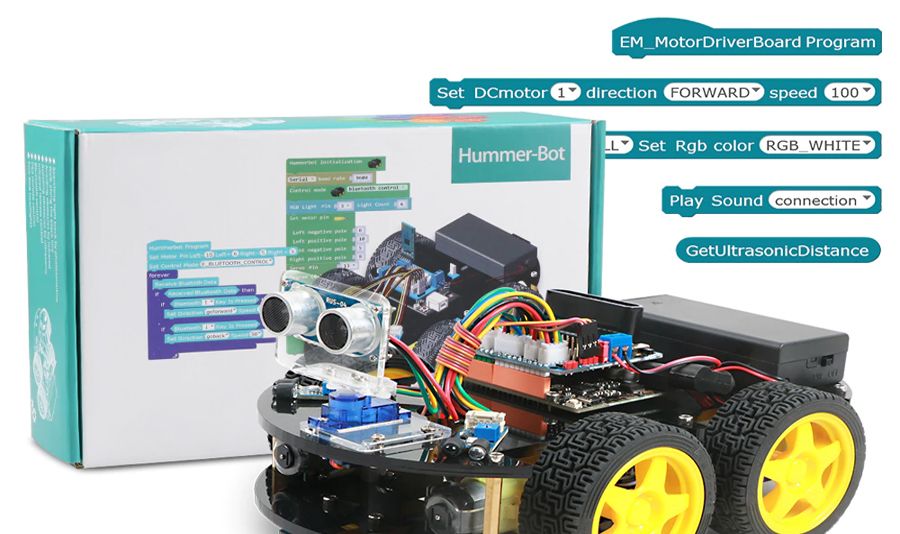
Intermediate Level - overview

General objectives
After this lesson, learner will be able to:
- Understand basic concepts in the embedded computing systems area
- Explain how engineers apply robotics to solve real-world problems
- Apply practical math, mechanical construction and critical thinking to make a simple robot
- Master the basics of coding with micro:bit, MakeCode and Una through interactive projects
- Understand and use key computational thinking concepts like variables, loops, and conditions
- Build simple games and applications, fostering problem-solving skills
Intermediate Level registration
Register your 9 - 11 years old child to learn smart systems, gain valuable skills in programming, electronic prototyping, automation, robotics, and more!
Intermediate Level courses
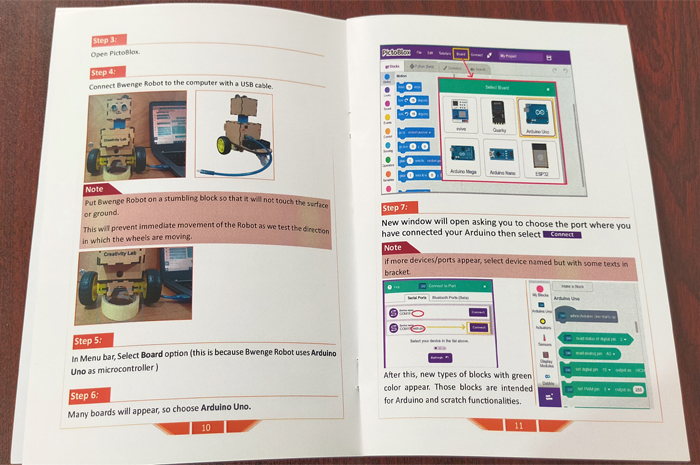
Introduction to Arduino Uno
After this lesson, learner will be able to:
- Understand the components of the Arduino Uno board and how to use a breadboard for prototyping.
- Apply engineering design principles to plan, build, and test projects like traffic lights, controring robots, and more.
- Learn to build circuits on a breadboard to connect sensors, resistors, and LEDs.
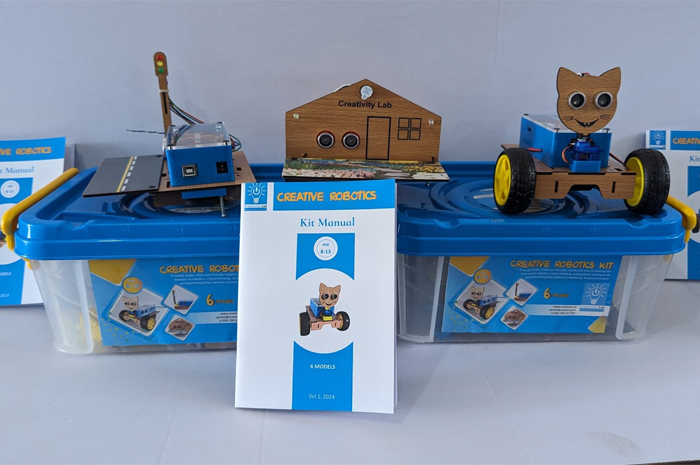
Smart Systems & Connectivity
After this lesson, learner will be able to:
- Understand basic concepts in the embedded computing systems area
- Describe the main components of a robot
- Explain how engineers apply robotics to solve real-world problems
- Apply practical math, mechanical construction and critical thinking to make a simple robot
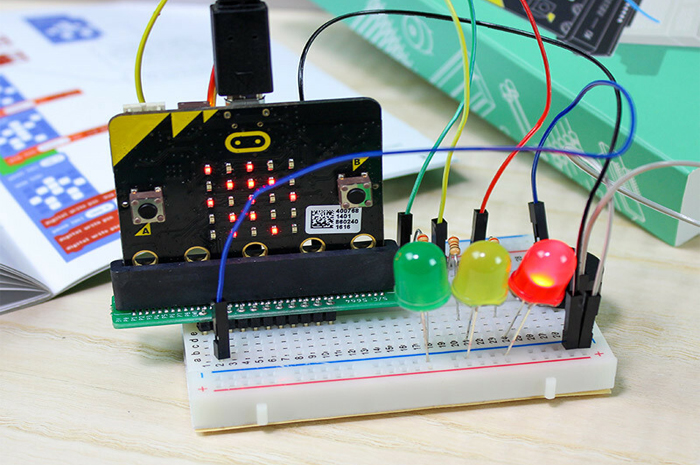
Introduction to micro:bit
After this lesson, learner will be able to:
- Identify and use the micro:bit's built-in components: 5x5 LED display, A/B buttons, accelerometer, and temperature sensor.
- Understand the difference between input and output.
- Create animations and display text on the LED screen.
Explore other levels.
Click on your preferred level and explore course details to enroll your child.